


 Subvolts take Microsoft Copilot creates and edits PowerPoint presentations, enabling faster content generation and refinement. Jul 14, 2026
 This video demonstrates new capabilities for Microsoft Copilot within PowerPoint, focusing on direct content creation and editing. No prior item on this specific functionality was referenced.
- Business
- Streamline presentation creation and updates, turning ideas into polished content faster for meetings and pitches.
- Everyday users
- Easily generate and refine presentations for personal projects, side businesses, or sharing concepts without starting from scratch.
Users can now generate and edit entire PowerPoint presentations using AI, streamlining content creation and iteration.
How Copilot can create and edit your PowerPoint presentation for you
From Subvolts
Summary and analysis by Subvolts editorial, AI-assisted.
Microsoft Copilot now creates and edits PowerPoint presentations directly within the app. Users can generate a full presentation from a Word document, update slides with new information like web data, and refine content through conversation. This feature allows for real-time iteration without starting over, helping users turn ideas into tangible results faster.
Microsoft Copilot can now create and edit PowerPoint presentations for you. You can turn a Word document into a full presentation or update existing slides with new information, like data from the web. This allows for quick changes and helps you build presentations more efficiently.
This update brings generative AI capabilities directly into PowerPoint's editing workflow, moving beyond simple suggestions. It affects users who create presentations for business, projects, or side ventures. While competitors offer AI presentation tools, Microsoft integrates this deeply into its 365 suite. Future developments will likely focus on expanding these in-app generative features across more Microsoft applications and refining the iteration process.
- Product: Microsoft Copilot in PowerPoint
- Features: Create presentation from Word doc, update slides, add web data, conversational editing
- Account requirement: Microsoft 365 Personal, Family, or Premium
- Availability: Requires Microsoft 365 account; work/school depends on organization
Microsoft Copilot integrates generative AI directly into PowerPoint editing, similar to how Google Gemini and Anthropic Claude offer AI features within their productivity suites.
- run-of-show
- A detailed schedule or plan for an event or presentation, outlining each segment and its timing.
- A detailed plan for a presentation, showing what happens when.



The Playbook: reusable how-tos, prompts, configs and tips pulled out of the news. From the Playbook, matched to the product and topics of this item.
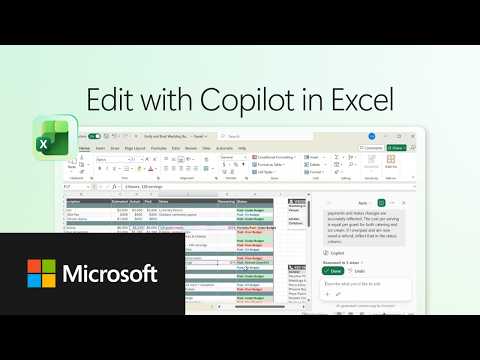
- HeuristicUse chat to describe changes for Copilot in ExcelDescribe desired spreadsheet changes in chat for Copilot to implement directly in Excel. · 5 min
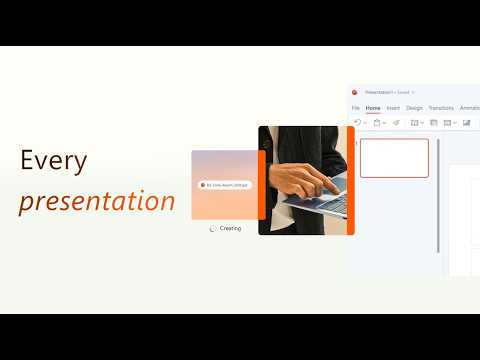
- HeuristicIterate content with chat and in-app editingCombine conversational prompts with direct in-app modifications for faster content refinement. · 5 min
- ChecklistCopilot in Excel for budget updatesSteps to update and recalculate a budget spreadsheet with Copilot in Excel. · 5 min
- ToolMicrosoft Copilot for direct Excel spreadsheet editingAI assistant that directly edits and updates Excel spreadsheets based on chat instructions. · 5 min
Questions people ask
- What can Copilot do in PowerPoint?
- Copilot can create an entire presentation from a Word document, update slides with new information from web data, and allow direct editing and refinement of content through conversation.
- What accounts are needed for Copilot in Microsoft 365?
- A Microsoft 365 Personal, Family, or Premium account is required. Work or school access depends on your organization's settings.
More from Microsoft 365 on YouTube 26 more



Page generated Oct 19, 2026. Summaries are Subvolts' own; the story belongs to Microsoft 365 on YouTube.