


 Subvolts take Microsoft Copilot in Outlook drafts emails, checks grammar, and summarizes your inbox. Jul 16, 2026
 - Business
- This tool can streamline communication workflows, saving time on drafting and managing emails within your organization.
- Everyday users
- You can draft emails faster, improve your writing, and quickly find information from past messages in your inbox.
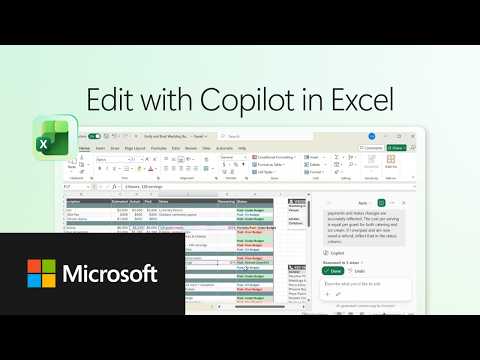
This video shows how Microsoft Copilot enhances email drafting and inbox management within Outlook for personal and business users.
How-to guide for Copilot in Outlook
From Subvolts
Summary and analysis by Subvolts editorial, AI-assisted.
Microsoft Copilot in Outlook helps users draft emails, check grammar, and adjust tone. It also acts as an inbox assistant, providing context and suggestions based on email content. The tool enables users to create professional emails with prompts, get quick answers from past correspondence, and refine messages before sending.
Microsoft Copilot in Outlook can now help you write emails, check your grammar, and even summarize your inbox. It acts as an assistant to make composing messages and managing your communications more efficient.
This video demonstrates Copilot's integration into Outlook, a core productivity application. It targets both individual users and potentially enterprise users depending on organizational rollout. While competitors like Google Gemini and OpenAI's ChatGPT offer broad AI assistance, Copilot's focus on specific workflows within Microsoft 365 applications provides a more integrated experience. Future developments will likely focus on deeper integration across the Microsoft suite and expanding its contextual understanding.
- Product: Copilot in Outlook
- Account Type: Microsoft 365 Personal, Family, or Premium
- Functionality: Drafting, grammar check, tone adjustment, inbox summarization
This demonstrates Microsoft's strategy of integrating AI into existing productivity tools, similar to how Google Gemini integrates with Workspace apps.




The Playbook: reusable how-tos, prompts, configs and tips pulled out of the news. Pulled from this item and others like it.
- HeuristicLeverage Copilot for quick answers from past emailsUse Copilot in Outlook to quickly get answers from your past email correspondence. · 2 min
- HeuristicRefine and correct emails before sending with CopilotUse Copilot in Outlook to correct and refine your email drafts before sending. · 3 min
- Prompt patternDrafting professional emails with Copilot in OutlookUse prompts to guide Copilot in Outlook to draft professional emails. · 3 min
- ToolCopilot in Outlook for email drafting and inbox assistanceDraft emails, check grammar, adjust tone, and get inbox context with Copilot in Outlook. · 5 min
Questions people ask
- What can Copilot do in Outlook?
- Copilot can help draft emails, check grammar, adjust tone, and act as an inbox assistant by providing context and suggestions from your emails.
- What accounts are needed for Copilot in Microsoft 365?
- A Microsoft 365 Personal, Family, or Premium account is required. Work or school access depends on your organization's settings.
More from Microsoft 365 on YouTube 26 more




Page generated Oct 19, 2026. Summaries are Subvolts' own; the story belongs to Microsoft 365 on YouTube.